
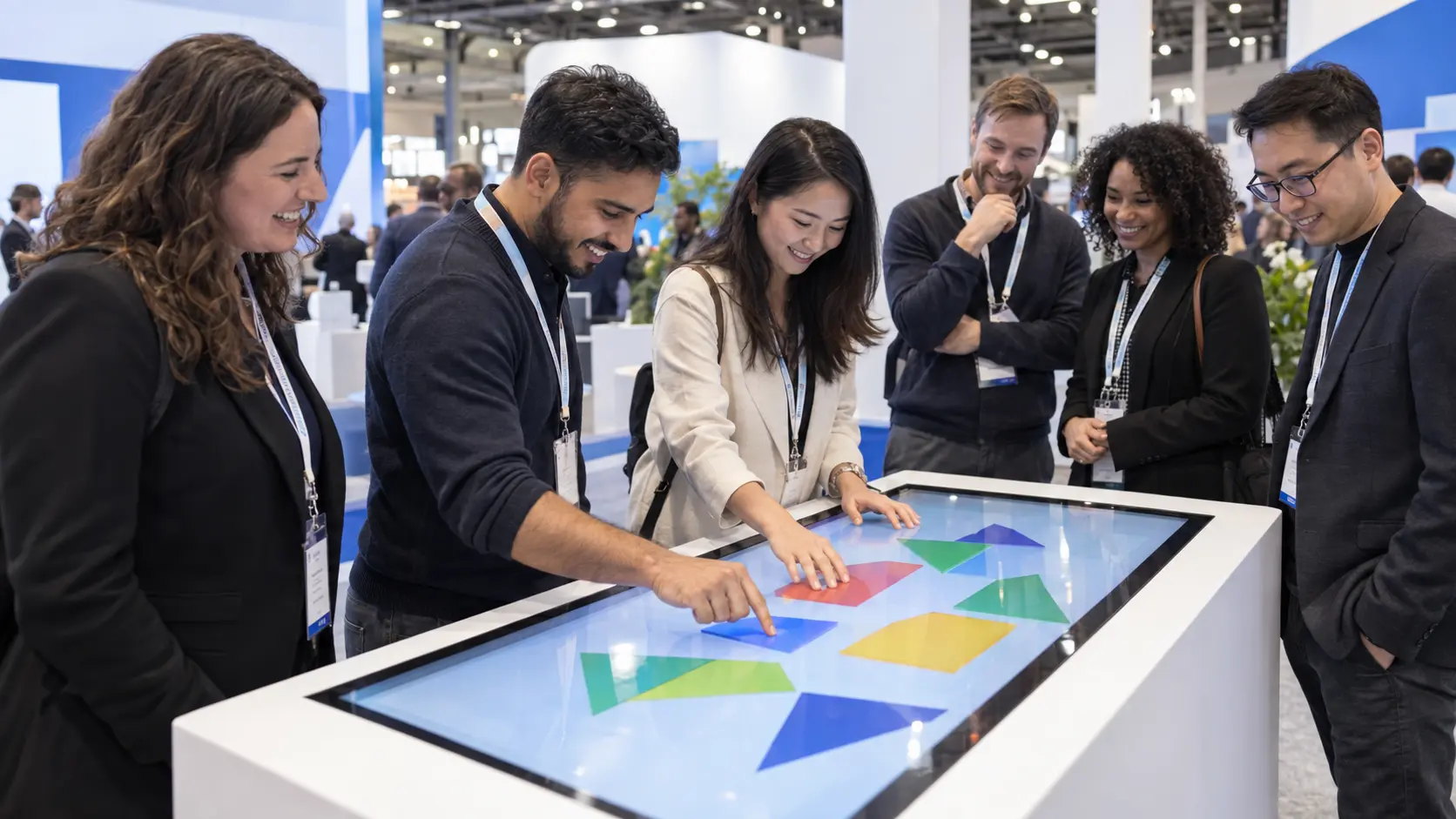
What makes an exhibition interaction useful?
A useful interaction helps visitors understand your offer or explore a relevant question, then gives your team a natural next conversation. Start with the visitor action, not the device. A product explorer, guided demonstration, short collaborative game or scenario selector can work when the content, physical space and operating plan are designed together.
Choose one thing the visitor should learn or do
Complete this sentence before choosing a screen: after taking part, the visitor should understand or be able to do ____. That answer should connect to the stand’s commercial objective. A memorable experience is more useful when the next conversation is obvious.
Match the depth of the interaction to the audience. A passing visitor may need a simple entry point; a technical buyer may want a detailed comparison with a specialist. Both can use the same content if the first step is clear and optional detail is available.
Four formats to discuss with your team
These are starting points for a brief, not claims about completed Zeno activations. Choose a format because it fits the product, audience and operating conditions.
| Format | Visitor action | Planning requirement |
|---|---|---|
| Product explorer | Compare features or applications | Accurate product content, readable labels and an easy return to the start. |
| Guided demonstration | Try a function with a specialist | Operator space, safe equipment integration and a repeatable demo sequence. |
| Collaborative touchscreen game | Solve a short brand-related challenge together | Clear rules, reachable controls, a reset state and room for onlookers. |
| Scenario selector | Choose a situation and explore a relevant solution | A small set of meaningful choices and a staff handover that explains the result. |
Storyboard the complete interaction
Write the invitation, first action, response, finish and next step. An illustrative travel-technology concept might let a visitor choose a booking challenge, explore a workflow and discuss that scenario with a specialist. It should work without requiring the visitor to disclose personal details just to participate.
Keep instructions visible at the moment they are needed. Use plain language, readable contrast and controls that do not rely on colour alone. Plan a seated or staff-assisted way to participate where appropriate. A visitor should understand how to leave or restart without waiting for a technician.
Design the surrounding space as carefully as the screen
A touchscreen attracts people to a specific point. Allow room for the person using it, the host and anyone watching, while keeping the main aisle approach clear. Consider reach, viewing angle, glare and the noise around the device.
Check the actual hardware dimensions, mounting, power and cable route before finalising the stand. If sound is part of the concept, decide whether the content remains understandable when it cannot be heard. Ask the team operating the stand to rehearse the interaction in the proposed position.
Give the experience a reliable fallback
Identify which features require a live connection. Where practical, keep the essential presentation available locally and agree what staff should do if a connection or device fails. A working fallback can be a guided presentation or physical product discussion; it needs the same message and a clear next step.
Test the complete combination of content, hardware and connections. Check restart behaviour, idle screens, repeated use and the route back to the beginning. Agree who can resolve an issue during the show and whether on-site support is part of the delivery scope.
- Approved content and named content owner
- Device and connectivity requirements
- Accessible instructions and participation options
- Startup, reset and fallback procedures
- Staff rehearsal and support contact
Measure the business conversation
Agree what the stand team will observe: participation, completed demonstrations, relevant conversations or agreed follow-ups. Use simple counts where that is enough. Do not confuse a game score or the number of screen touches with qualified interest.
If the experience collects contact details, involve the people responsible for privacy and follow-up before launch. Explain the purpose at the point of collection and separate participation from any optional marketing choice. The final design should reflect the actual data flow and approved process.
Continue planning your stand
Scope content, AV, hardware integration and testing together.
Plan a demonstration-led WTCE standConnect product presentation to show-floor delivery.
See the Anuvu stand at WTCE 2025A completed stand reference for branding and demonstration areas; distinct from the illustrative concept above.